

We’ve used ClickUp to keep track of the work we do together, and it’s served us well. I wanted to give you a simpler way to ask us to update a page, see if your new homepage is ready to review, or find that guide we shared with your team.
That’s why we built My Awwwsome. Here’s a look around before your invitation arrives.
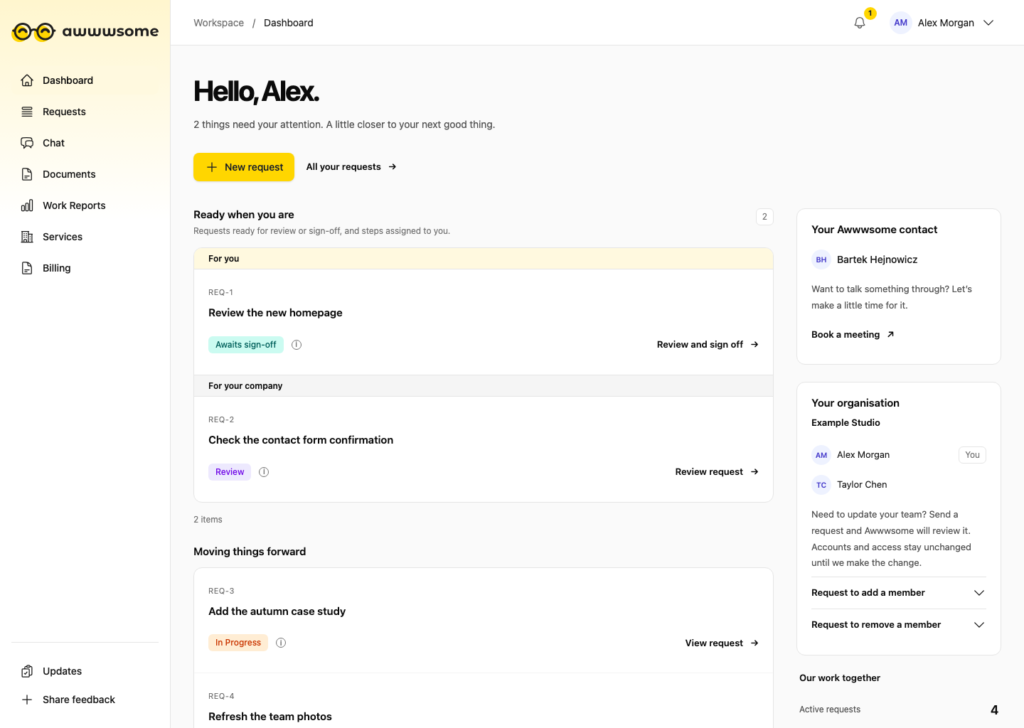
Dashboard
Start here to see what’s moving and what needs you. Ready when you are brings together work ready for your feedback or approval, along with steps assigned to you. You can open each request directly from the dashboard.
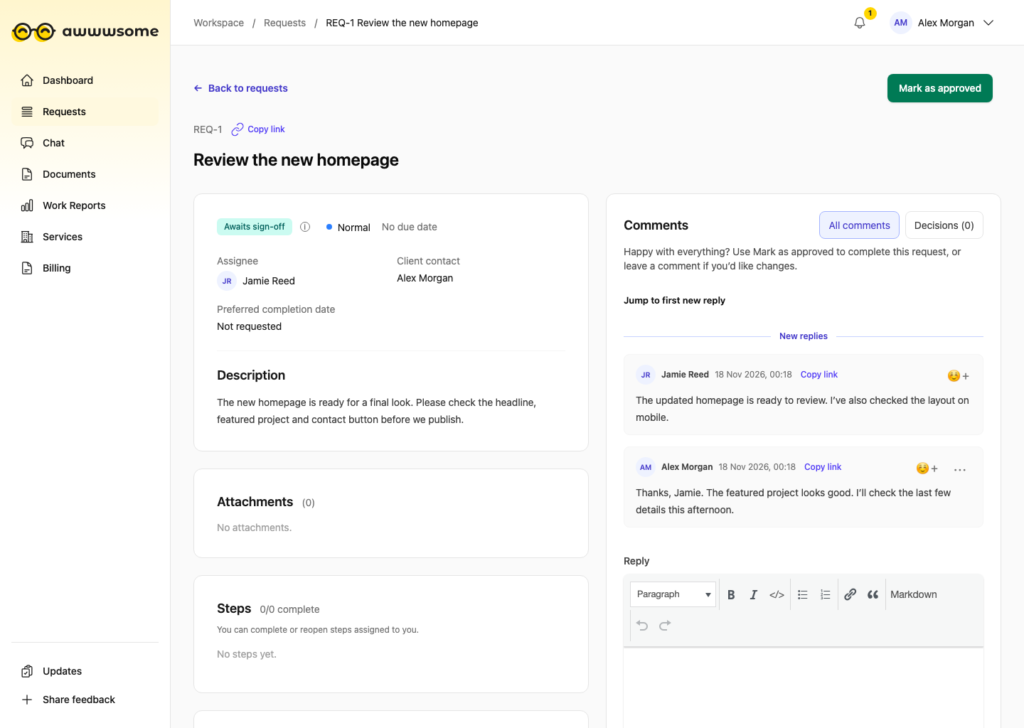
Requests
Open Requests to see your company’s queue. Need a page updated or something looked at? Create a request and attach a screenshot or file if it helps explain what you need. Each request keeps its status, files and conversation together, so you can follow progress and leave feedback in context.
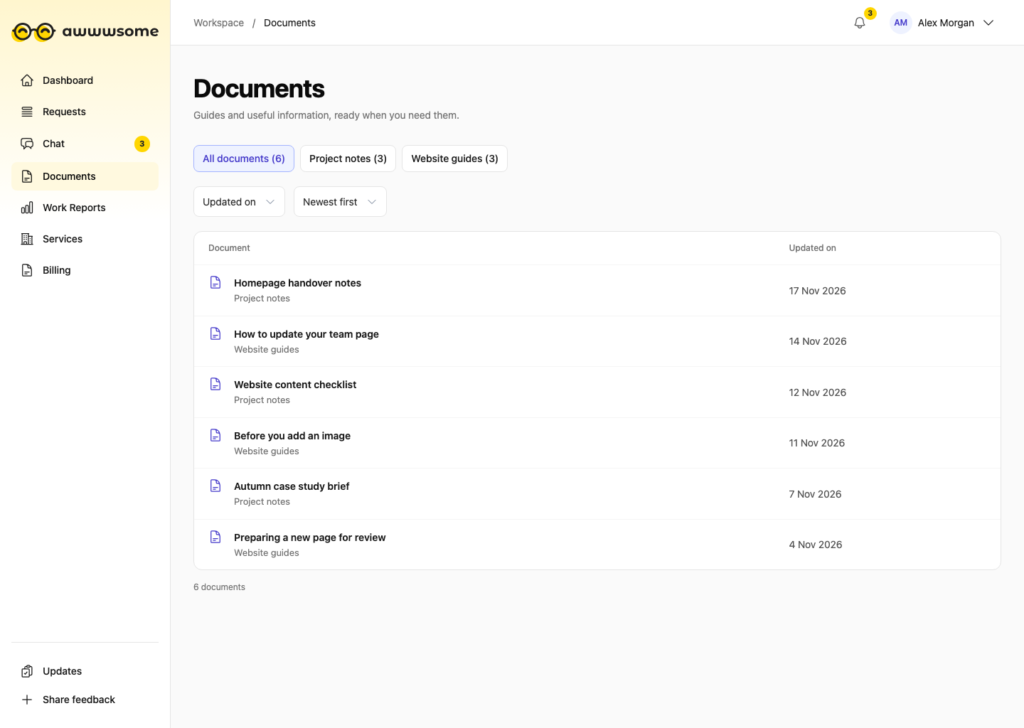
Documents
Find the guides, project notes and other reference material we’ve shared with your team. Related documents can be grouped into collections, so you know where to look when you need them again.
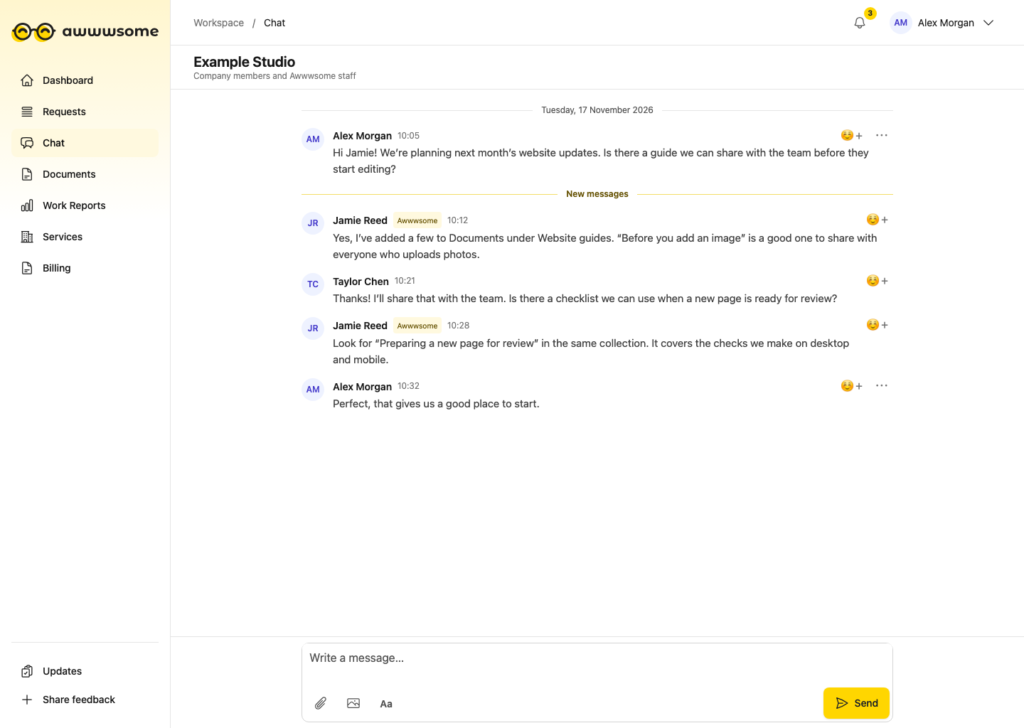
Chat
Use Chat for quick questions or general conversations with us. It’s a shared space for your team and Awwwsome, so colleagues can catch up and join in.
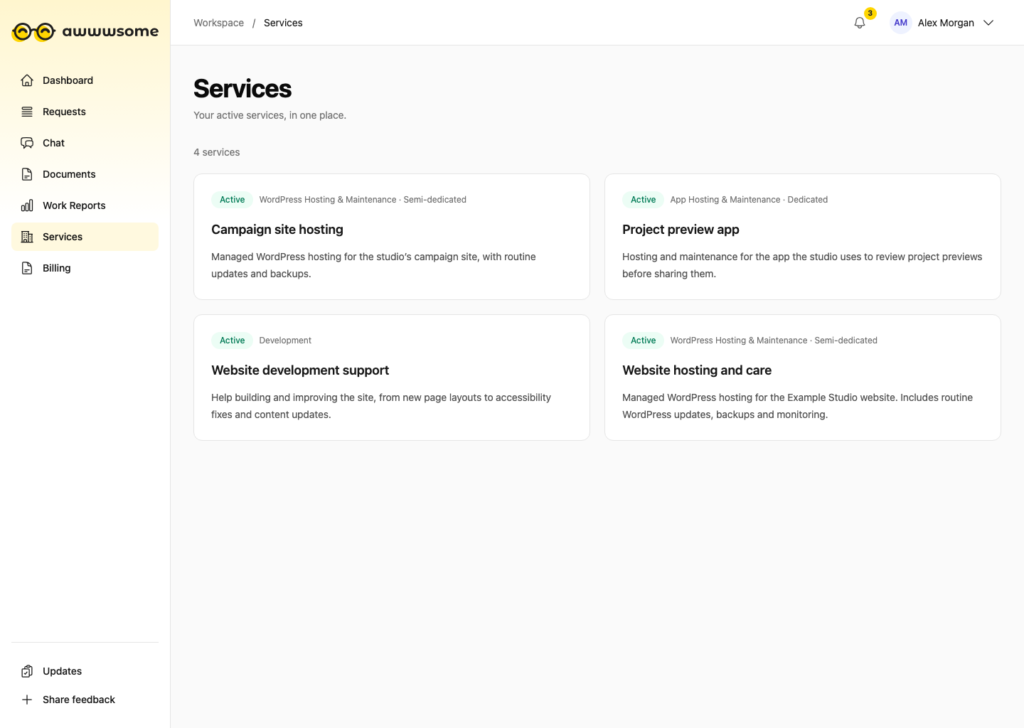
Services
See the Awwwsome services available to your company and what they cover, such as website hosting and maintenance. Services appears for people on your team with access to that overview.
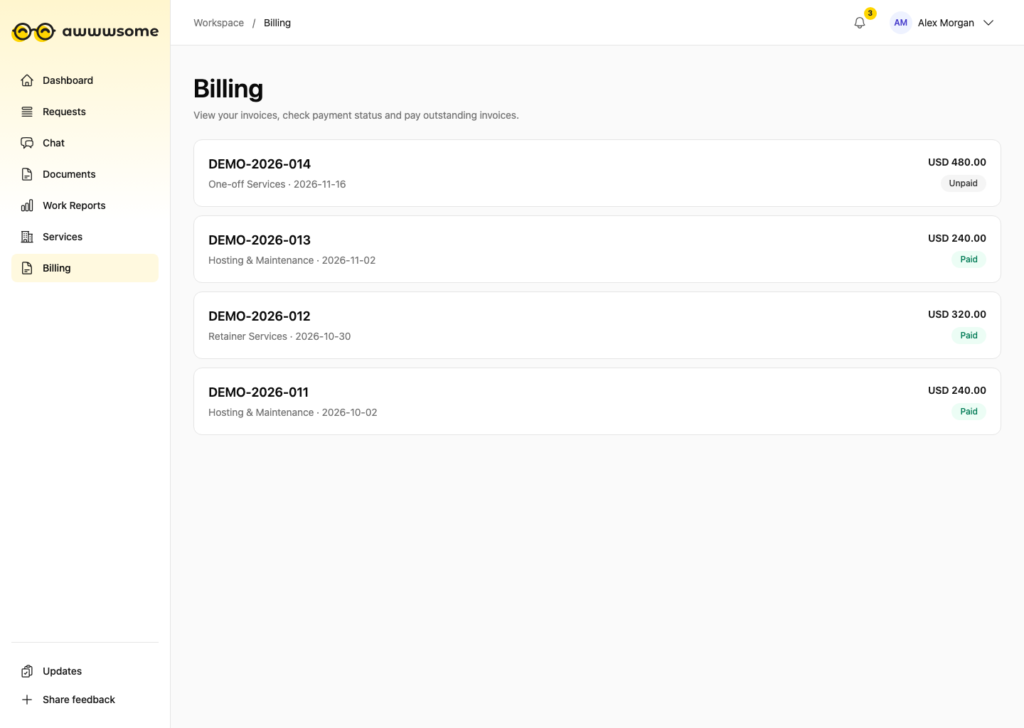
Billing
If you have billing access, you can find invoices we’ve shared with your company, download the PDFs and view a work breakdown where one is attached.
Updates and ideas
Check Updates for changes to My Awwwsome, service notices and the shared roadmap. Have an idea that would make the portal more useful for your team? Send it through Share feedback.
Look out for your invitation
Your invitation will come in a separate email with a link to set your password. Once you’ve done that, you can sign in and start on your dashboard at my.awwwsome.io.
Once you’re in, come say hello in Chat. I’d love to hear what you think.